🎓 Java Learning Module
The Magical Contract: Understanding Interfaces in Java
👋 Meet Your Java Trainer!
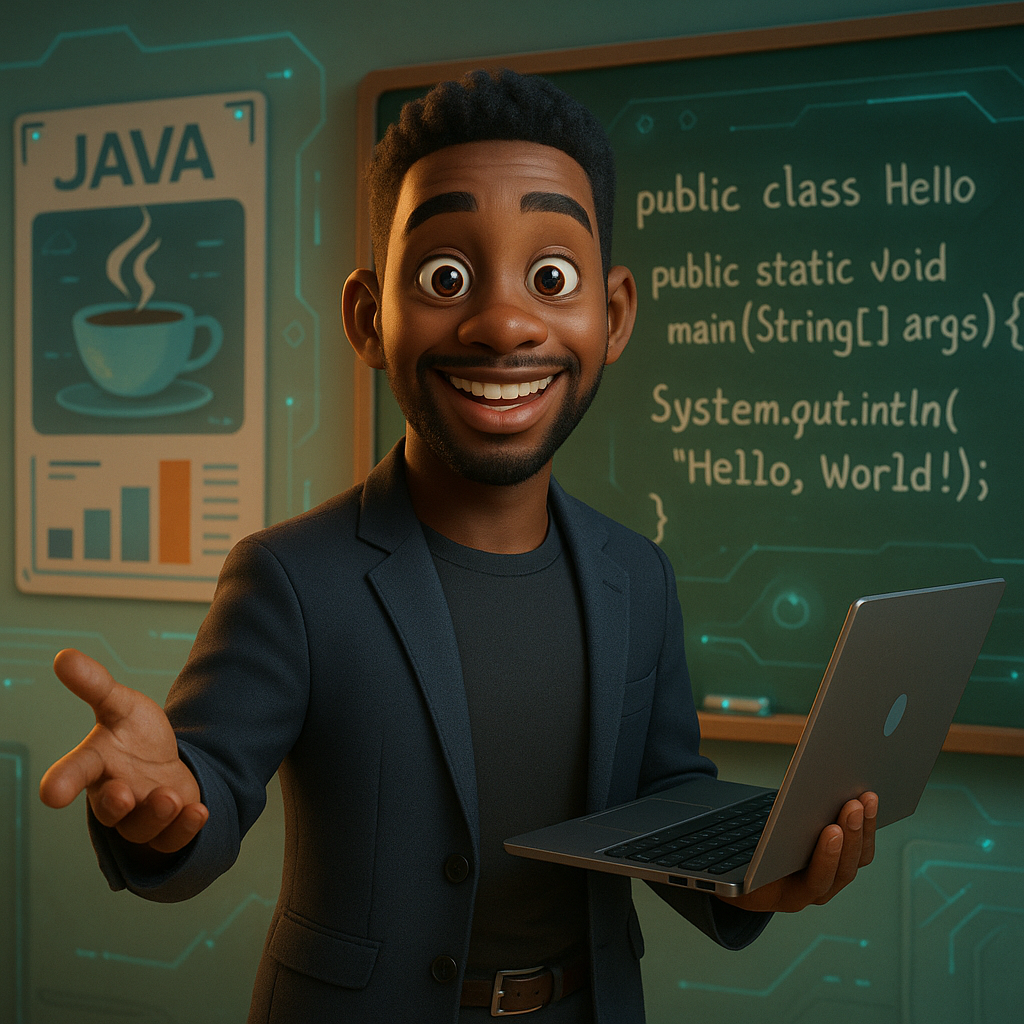
Hi! I'm Remsey, your Java instructor. Ready to master Java together?
🎧 Listen to the Audio Version
Prefer to learn by listening? Hit play below and watch the audio come to life!
Audio file missing or unreachable
WaveSurfer kon het audiobestand niet laden.
Controleer het pad, of Live Server het bestand serveert, en bekijk de console voor uitgebreide foutdetails.
Today we're diving into something slick, flexible, and powerful in Java — Interfaces.
Let’s imagine you’re building a team of robot sidekicks — like Iron Man’s workshop, but way more chaotic. One can clean, one can draw, and one just spins in circles looking cool. 🤖
So you think: “How can I make all these robots guarantee that they follow certain rules… but still let them be unique?”
Boom. Java Interfaces to the rescue.
What is an Interface?
An interface in Java is like a contract. If a class implements that contract, it promises to deliver certain methods. But unlike a class, an interface has no implementation — it just says: “Yo, if you’re gonna wear my badge, you better have these methods.”
Let's say we have an interface:
public interface Cleaner {
    void clean();
}
Now, two classes implement it:
public class RobotVacuum implements Cleaner {
    public void clean() {
        System.out.println("Whirrr... I'm cleaning the living room!");
    }
}public class DishwasherBot implements Cleaner {
public void clean() {
System.out.println("Splish splash... dishes are sparkling!");
}
}In your main() method, you can use them like this:
public class CleaningApp {

    interface Cleaner {
        void clean();
    }

    static class RobotVacuum implements Cleaner {
        public void clean() {
            System.out.println("Whirrr... I'm cleaning the living room!");
        }
    }

    static class DishwasherBot implements Cleaner {
        public void clean() {
            System.out.println("Splish splash... dishes are sparkling!");
        }
    }

    public static void main(String[] args) {
        Cleaner roboVac = new RobotVacuum();
        Cleaner dishBot = new DishwasherBot();

        roboVac.clean();
        dishBot.clean();

        System.out.println("All clean! 💯");
    }
}Why Use Interfaces?
Now here’s where it gets juicy. Java doesn’t allow multiple inheritance with classes… but with interfaces? Oh baby, go wild. 🎉
Your class can implement as many interfaces as it wants!
public class RoboButler {
interface Cleaner {
void clean();
}
interface Chef {
void cook();
}
interface DJ {
void dropTheBeat();
}
static class SuperBot implements Cleaner, Chef, DJ {
public void clean() {
System.out.println("🧹 Cleaning the house!");
}
public void cook() {
System.out.println("👨🍳 Cooking a 5-star meal!");
}
public void dropTheBeat() {
System.out.println("🎵 DJ SuperBot in the house!");
}
}
public static void main(String[] args) {
SuperBot bot = new SuperBot();
bot.clean();
bot.cook();
bot.dropTheBeat();
System.out.println("✨ SuperBot does it all!");
}
}Use interfaces when:
- You want flexibility
- You want to plug-n-play different behaviors
- You want to separate the “what” from the “how”
🧩 Mini-Challenge
Let's say you have a list of different things: robots, people, etch-a-sketches. If they all
implement a Cleaner interface, you can loop through and call .clean() —
without caring what type they are!
Try completing this challenge by adding a WindowWiperBot class:
public class ChallengeApp {

    interface Cleaner {
        void clean();
    }

    static class RobotVacuum implements Cleaner {
        public void clean() {
            System.out.println("Whirrr... I'm cleaning the living room!");
        }
    }

    static class DishwasherBot implements Cleaner {
        public void clean() {
            System.out.println("Splish splash... dishes are sparkling!");
        }
    }

    // TODO: Add WindowWiperBot class here that implements Cleaner
    // It should print: "Squeaky clean windows coming right up!"

    public static void main(String[] args) {
        Cleaner roboVac = new RobotVacuum();
        Cleaner dishBot = new DishwasherBot();
        // Cleaner windowBot = new WindowWiperBot(); // Uncomment after you create the class

        roboVac.clean();
        dishBot.clean();
        // windowBot.clean(); // Uncomment this too!

        System.out.println("All clean! 💯");
    }
}
💪 Practice Exercises
Test your understanding with these quick exercises! Try to solve them on your own first.
🚗 Exercise 1: Vehicle Interface
Task: Create a Vehicle interface with
methods start() and stop(). Then create two classes: Car and
Motorcycle that implement this interface.
💡 Hints
- Use
interface Vehicleto define the contract - Both classes should use
implements Vehicle - Each vehicle can have its own unique start/stop messages
✅ Solution
public class VehicleDemo {

    interface Vehicle {
        void start();
        void stop();
    }

    static class Car implements Vehicle {
        public void start() {
            System.out.println("🚗 Car engine starts: Vroom vroom!");
        }

        public void stop() {
            System.out.println("🚗 Car engine stops.");
        }
    }

    static class Motorcycle implements Vehicle {
        public void start() {
            System.out.println("🏍️ Motorcycle engine roars to life!");
        }

        public void stop() {
            System.out.println("🏍️ Motorcycle engine shuts off.");
        }
    }

    public static void main(String[] args) {
        Vehicle car = new Car();
        Vehicle bike = new Motorcycle();

        car.start();
        bike.start();
        car.stop();
        bike.stop();
    }
}
💳 Exercise 2: Payment Methods
Task: Create a Payment interface with a
method pay(double amount). Implement it in three classes: CreditCard,
PayPal, and Cash. Each should print a unique payment message.
💡 Hints
- The interface method should accept a
doubleparameter - Use the amount in your print statements
- Format the amount like:
"Paid $" + amount
✅ Solution
public class PaymentDemo {

    interface Payment {
        void pay(double amount);
    }

    static class CreditCard implements Payment {
        public void pay(double amount) {
            System.out.println("💳 Paid $" + amount + " with Credit Card");
        }
    }

    static class PayPal implements Payment {
        public void pay(double amount) {
            System.out.println("🌐 Paid $" + amount + " via PayPal");
        }
    }

    static class Cash implements Payment {
        public void pay(double amount) {
            System.out.println("💵 Paid $" + amount + " in Cash");
        }
    }

    public static void main(String[] args) {
        Payment creditCard = new CreditCard();
        Payment paypal = new PayPal();
        Payment cash = new Cash();

        creditCard.pay(99.99);
        paypal.pay(45.50);
        cash.pay(20.00);
    }
}
🦁 Exercise 3: Animal Kingdom
Task: Create an Animal interface with
methods makeSound() and eat(). Create classes for Lion,
Elephant, and Parrot that implement this interface with their unique
behaviors.
💡 Hints
- Lions roar, elephants trumpet, parrots squawk
- Each animal can eat different things (meat, plants, fruits)
- Get creative with emojis and messages!
✅ Solution
public class AnimalDemo {

    interface Animal {
        void makeSound();
        void eat();
    }

    static class Lion implements Animal {
        public void makeSound() {
            System.out.println("🦁 Lion roars: ROARRR!");
        }

        public void eat() {
            System.out.println("🦁 Lion is eating meat");
        }
    }

    static class Elephant implements Animal {
        public void makeSound() {
            System.out.println("🐘 Elephant trumpets: PAWOOOO!");
        }

        public void eat() {
            System.out.println("🐘 Elephant is munching on plants");
        }
    }

    static class Parrot implements Animal {
        public void makeSound() {
            System.out.println("🦜 Parrot squawks: SQUAWK SQUAWK!");
        }

        public void eat() {
            System.out.println("🦜 Parrot is nibbling on fruits");
        }
    }

    public static void main(String[] args) {
        Animal[] zoo = {new Lion(), new Elephant(), new Parrot()};

        System.out.println("🎪 Welcome to the Zoo! 🎪\n");

        for (Animal animal : zoo) {
            animal.makeSound();
            animal.eat();
            System.out.println();
        }
    }
}
💡 Pro Tip: Try solving these exercises without looking at the solutions first! It's the best way to learn. If you get stuck, check the hints before peeking at the solution.
🚀 Ready for the Next Challenge?
Continue your Java journey with Generics - Type Safety Magic!